

Photo to Video AI Generator
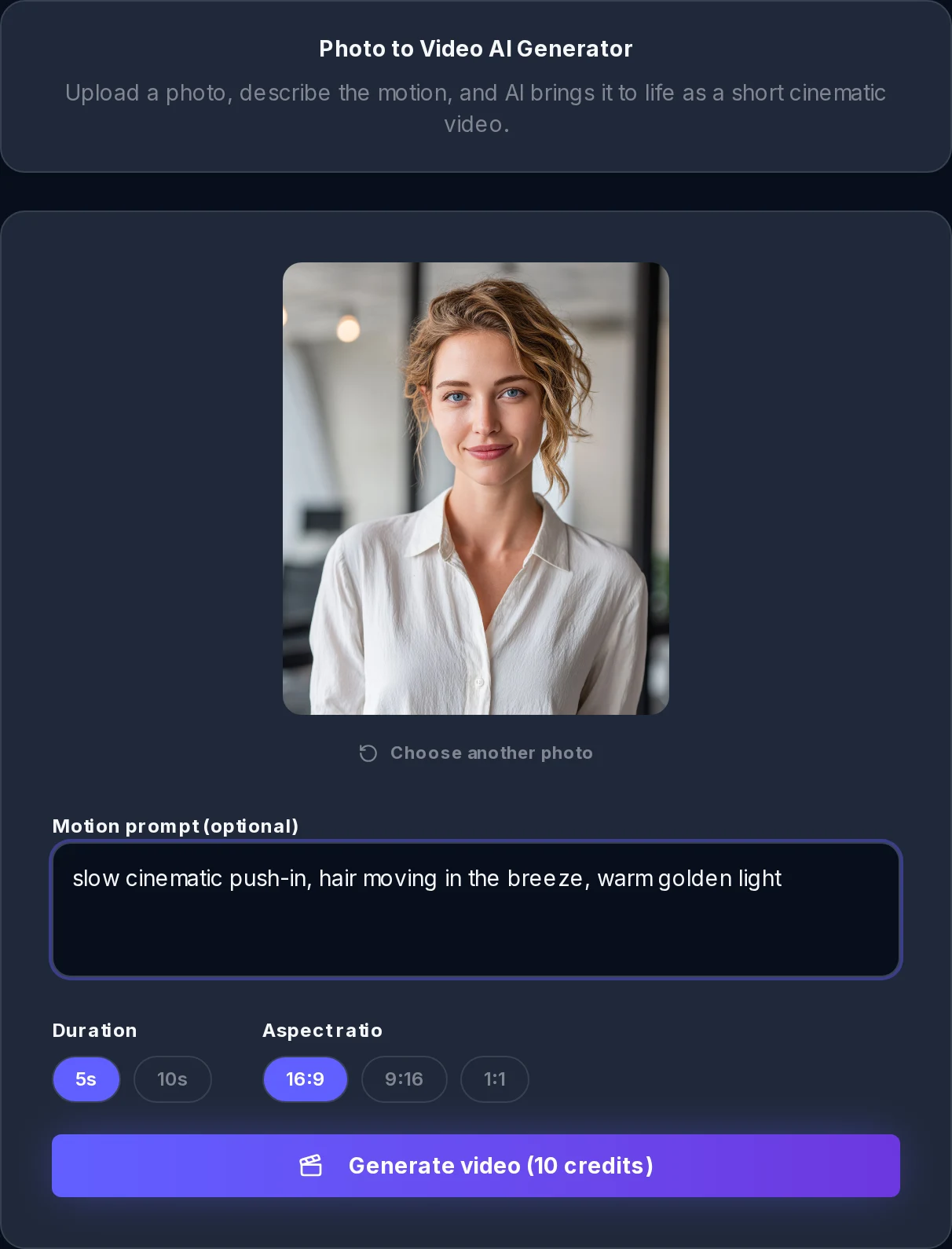
Upload a photo, describe the motion, and AI brings it to life as a short cinematic video.
Duration
Aspect ratio
Upload a photo, describe the motion, and AI brings it to life as a short cinematic video.
Photo to Video brings still images to life. Upload a picture, describe the motion you imagine, and an AI video model animates it into a smooth, cinematic clip you can download as an MP4 and share anywhere. No editing skills, no keyframes, no timeline: the model reads the scene, keeps your subject intact, and invents natural movement around it.
The AI studies depth, subject and lighting in your image, then synthesizes motion that fits the scene instead of a generic pan-and-zoom.
A short motion prompt like 'slow camera push-in, hair moving in the breeze' steers exactly how the clip comes alive.
Export widescreen 16:9, vertical 9:16 or square 1:1 clips in HD, sized for YouTube, TikTok, Reels and Shorts.
The whole flow runs on one page, and the wait is usually about a minute.
Drop in a JPG, PNG or WebP up to 10 MB. Portraits, band shots, album covers, landscapes and pets all work.
Optionally tell the AI how the scene should move. Leave the field empty and it invents subtle, natural cinematic motion on its own.
Choose a 5 or 10 second clip and the aspect ratio that matches where you plan to post it.
The clip renders in HD in about a minute. Preview it right on the page, then download the MP4.
A full image-to-video engine behind one simple upload box.
Push-ins, pull-backs, slow orbits and drifts that make a still frame feel filmed.
Hair, fabric, smoke, water and clouds move believably while the subject stays recognizably itself.
No node graphs or keyframes. One sentence of description is the entire control surface.
Widescreen 16:9, vertical 9:16 and square 1:1, chosen before you generate so nothing gets cropped later.
Clips render in 720p HD and download as standard MP4 files that drop into any editor or feed.
Generation typically finishes in roughly 60 seconds, with live progress on the page.
Photography, digital art, illustrations and vintage scans all animate, each keeping its own look.
You see the exact credit price on the button, and failed generations are refunded automatically.
Vertical clips for TikTok, Reels and Shorts; widescreen for YouTube; square for feeds and covers.
Photo to Video lives inside a music studio for a reason: a moving image is the fastest visual you can ship for a release.
Animate your cover art into a looping visual for release teasers and canvas-style loops on streaming profiles.
Turn a mood shot into a slowly drifting background, then layer your lyrics on top in any editor.
A vertical 9:16 clip of your band photo with a little life in it outperforms a static post.
Old family photos and vintage scans come alive with subtle, respectful motion.
Storyboard a music video by animating location and styling references before you book a single shoot day.
The model does fine on its own, but a few words of direction take a clip from nice to exactly what you pictured.
HD MP4 export
aspect ratios
max clip length
typical render time
max photo size
languages supported
Upload a picture, type one line of motion, and watch it turn into a cinematic clip you can post today.