

AI MIDI Generator
AI MIDI Generator
Describe what you want and get a multi-track MIDI you can edit, download or build on.
Engine
Describe what you want and get a multi-track MIDI you can edit, download or build on.
Describe the vibe — key, scale, mood and tempo — and the AI MIDI generator composes a multi-track MIDI you can edit, download and drop into any DAW. No samples to chop and no theory degree needed: say what you want and get an editable .mid in seconds. It is the fastest way to make MIDI files when a melody, a chord progression or a full arrangement is stuck in your head. Choose Basic for fast LLM drafts, or Pro — a dedicated neural music model — when you want richer, more musical arrangements.
From a single hook to a finished sketch — generate the MIDI building blocks you need, then mix and match them.
A MIDI chord generator for diatonic progressions, extensions and inversions in any key.
A MIDI melody generator that writes singable, in-key lines over your chords.
Locked-in bass that follows the root movement of your progression.
A MIDI pattern generator for grooves, fills and percussion on the GM drum map.
Rolling arpeggios and step sequences ready to feed a synth.
Sustained chord beds and evolving harmony for depth.
A MIDI tone generator for hooks and lead lines that cut through a mix.
Melody, chords, bass and drums generated together as a multi-track .mid.
Trance, lo-fi, cinematic, pop and more — set the mood and get a loop that fits.
No DAW and no sample pack required — the whole flow runs in your browser.
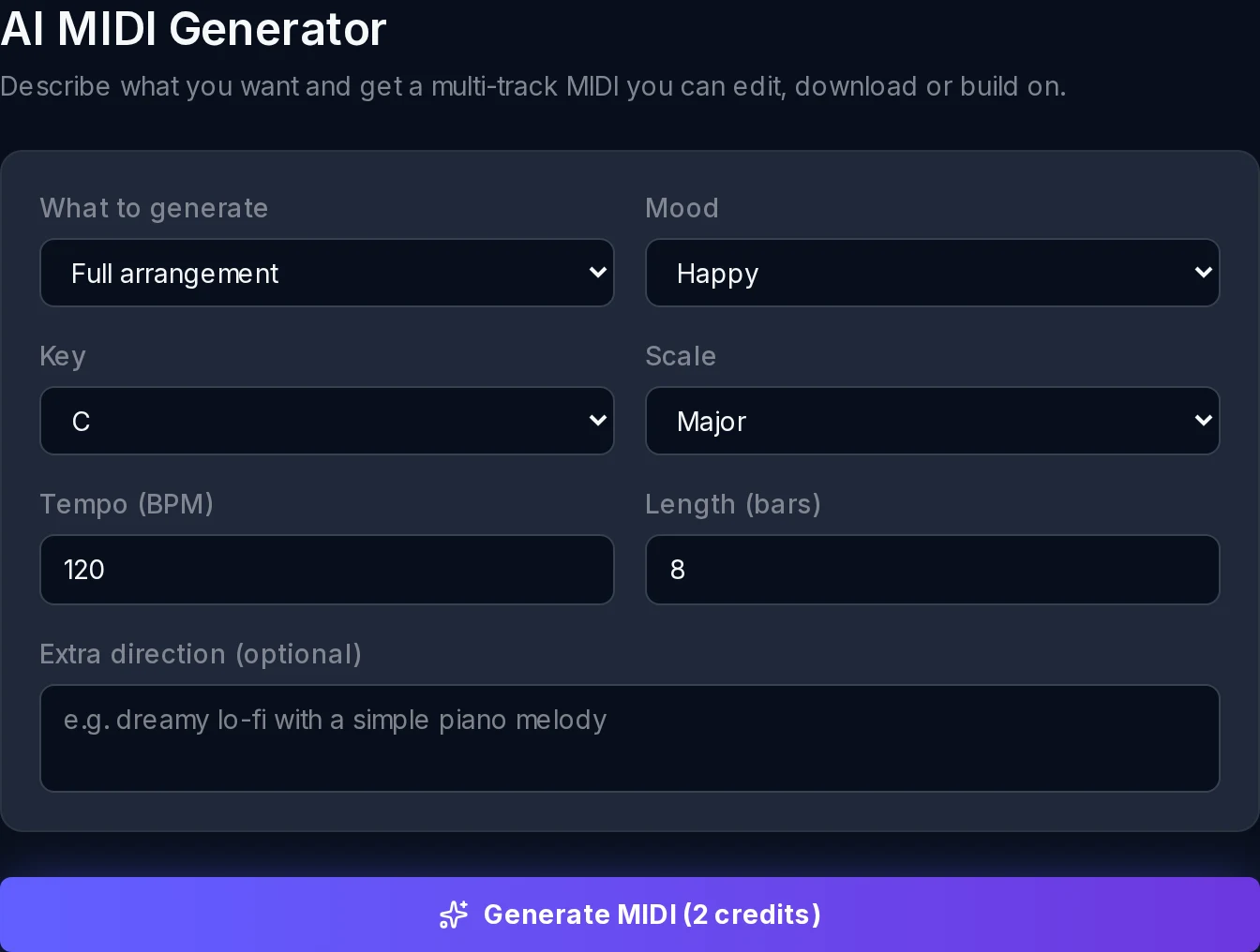
Choose what to make, then a key, scale, mood, tempo and length.
Describe the feel in plain words — this is text to MIDI, so "dreamy lo-fi piano" works.
The AI composes a multi-track MIDI arrangement in seconds.
Tweak notes in the piano-roll, then download the .mid or open it in the editor.
From a text prompt to an editable .mid — four steps, all in your browser.
Choose what to make, then dial in key, scale, mood, tempo and length.
Basic composes fast with an LLM for quick drafts; Pro runs a dedicated neural music model for richer, more musical results.
Click generate and get a multi-track MIDI arrangement in seconds.
Refine notes in the piano-roll, then download a standard .mid for any DAW.
The same generator adapts to the style you ask for — and a little prompt craft goes a long way.
Generation is only step one. Everything you make is a standard MIDI file you fully own and can take anywhere.
Open any generation in the piano-roll editor to refine notes, timing and velocity.
Export a multi-track Standard MIDI File that opens in any music software.
Drop the .mid into Ableton, FL Studio, Logic, Reaper or Cubase and keep producing.
Use it as a MIDI generator for VST and hardware synths — the notes trigger whatever instrument you load.
melody, chords, bass & drums
keys and scales
typical generate time
GM instrument sounds
to start, no card needed
standard MIDI export
Anyone who needs musical ideas as editable MIDI rather than locked audio.
Spin up chords, basslines and patterns to build a beat around.
Generate a progression and topline to break writer’s block in minutes.
Sketch cinematic pads and motifs as MIDI you can re-orchestrate.
See how a key, scale and mood turn into real notes you can study.
Describe a vibe, get a MIDI starting point.
I type the mood and key and get a usable chord progression to build on. A great starting point when the arpeggiator brain isn't cooperating.
Elena R.
Trance producer
I generate melody and bass patterns, drag the MIDI onto my VST, and I'm already most of the way to a loop. It unblocks me on blank-piano-roll days.
David O.
Game composer
I describe the vibe in a sentence and get chords I can play under my vocal. No music-theory degree required.
Hana K.
Singer-songwriter
Free and in your browser — describe a vibe, make a MIDI file, and download a standard .mid you can use in any DAW.