

Vocal Remover
Vocal Remover
Click to upload or drag and drop
MP3, WAV, FLAC, AAC, OGG (max 100MB)
1 credits cost0 credits remaining
Start Creating now!
Upload an audio file and click Remove Vocals
Click to upload or drag and drop
MP3, WAV, FLAC, AAC, OGG (max 100MB)
Upload an audio file and click Remove Vocals
Upload any track and get two perfect outputs: a crystal-clear instrumental and an isolated acapella, both ready to download in high-quality WAV or MP3. No plugins, no DAW, no experience required.
Every processed track yields a clean vocal-free instrumental AND an isolated acapella file simultaneously, no second pass needed.
Our hybrid AI works on the raw waveform, not just the spectrogram, so transients stay sharp, reverb tails decay naturally, and your stereo image stays intact.
No installs, no subscriptions to start. Open your browser, drop your file, and download your stems, it's that simple.
Most online vocal removers cut corners. Freesong AI's AI vocal remover is engineered for the toughest material and the most demanding ears.
Layered harmonies, heavy production, wall-of-sound arrangements, our model separates vocals cleanly even when other tools smear or artifact.
Pop, rock, hip-hop, EDM, acoustic, R&B, consistent, high-quality separation regardless of how the track was mixed or mastered.
Upload commercial releases, personal recordings, covers, or AI-generated tracks. If it's audio, we can remove vocals from it.
Unlike FFT-based tools, our waveform-level processing keeps natural room ambience and left-right stereo spread in both output files.
Download your stems in lossless WAV for production work or compressed MP3 for quick sharing, your choice, every time.
Free credits to get started. One click processes your file; another downloads it. The entire workflow takes under two minutes.
Most online removers only edit a spectrogram picture of your song. Freesong AI works on the raw audio itself, that's why the stems hold up.
Instead of guessing from a frequency image, the model analyzes the actual audio signal, so transients and timing stay sharp.
A hybrid network learns what's vocal and what's instrumental, even when harmonies and reverb overlap in the same frequencies.
It reconstructs an isolated acapella and a vocal-free instrumental separately, preserving reverb tails and the full stereo image in both.
If it plays, Freesong AI can split it into a clean instrumental and acapella.
Pull the instrumental or acapella from any song you upload, in any genre.
Live takes, demos, and phone recordings separate cleanly too.
Strip vocals from alternate versions and live cuts other tools choke on.
Split a song you just made in Freesong AI, no export, no extra upload.
Lift a vocal-free bed from your own footage to stay copyright-safe.
MP3, WAV, FLAC, AAC, or M4A in, lossless WAV or MP3 out.
A clean split opens up a world of creative and practical applications, here's what creators use Freesong AI for every day.
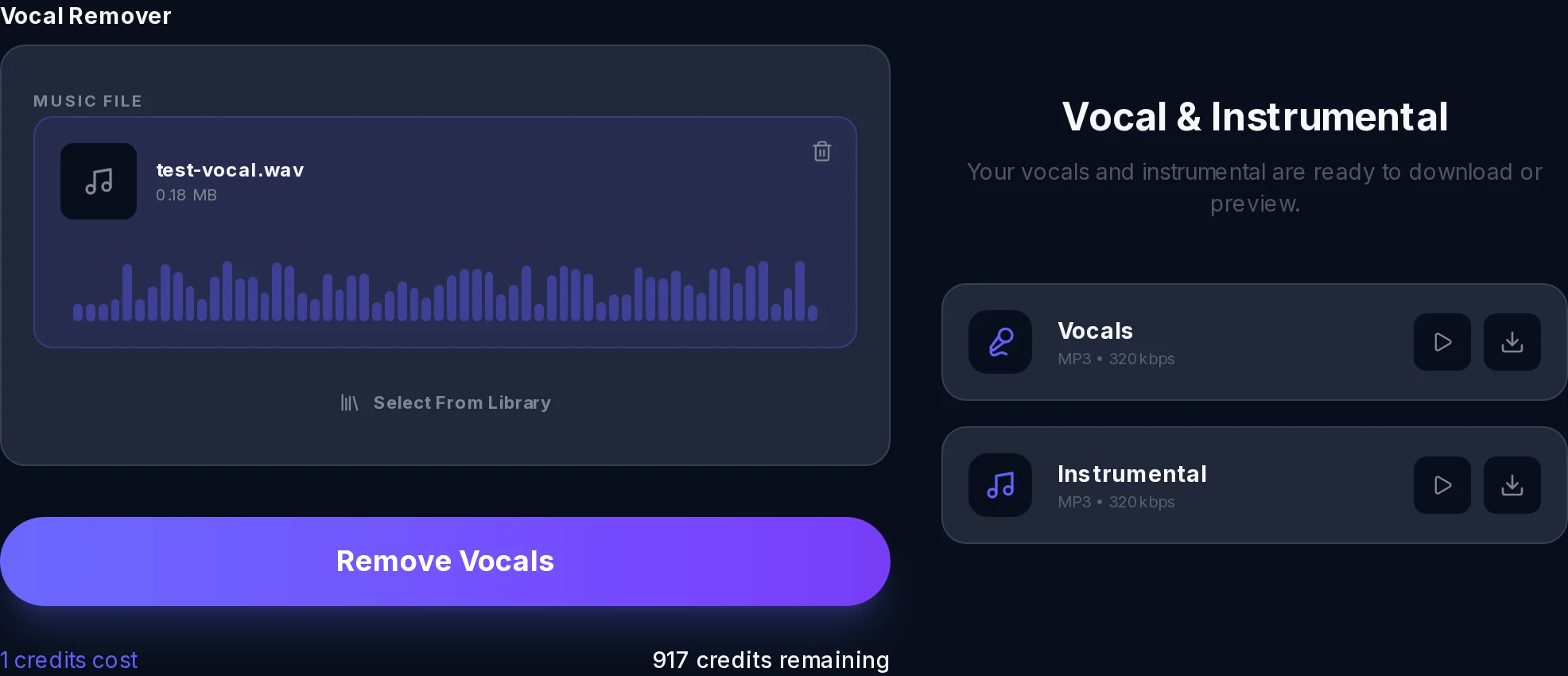
No learning curve. No settings to tweak. Just upload and let the AI do the work.
Drag and drop, or click to browse, any MP3, WAV, FLAC, or M4A file directly in your browser. Free credits to get started.
Freesong AI's hybrid waveform model analyzes your track and produces two clean stems: an isolated acapella and a vocals-removed instrumental, usually in under a minute.
Preview both outputs right in the browser, then download as high-quality WAV or MP3, whichever format fits your next project.
What you get from a single upload.
Clean outputs: acapella + instrumental
Typical processing time per track
Lossless or compressed download, your call
Pop, rock, hip-hop, EDM, acoustic, R&B
Installs, plugins, or DAW required
Reverb tails and stereo image preserved
From bedroom producers to live performers, here's why people trust Freesong AI to remove vocals from their songs.
"I've tried every free vocal remover out there and the acapellas always had bleed or weird phasing artifacts. Freesong AI is the first free tool that gives me stems I'd actually use in a release."
Marcus T. - DJ & Remix Producer
"My students need clean backing tracks to practice over. I can upload any song and have a studio-quality instrumental in under a minute. It's become part of my weekly routine."
Priya L. - Vocal Coach & Content Creator
"For AI covers you need pristine vocal isolation, even a little instrumental bleed ruins the training data. Freesong AI handles layered pop productions better than tools I've paid serious money for."
Jordan K. - AI Music Enthusiast
"I use it to pull apart reference tracks and really hear what the arrangement is doing without the vocal in the way. The stereo image stays completely intact. Genuinely impressive."
Sofia R. - Singer-Songwriter
No software. Free credits when you sign up. Upload your track and get studio-grade stems in under a minute. Try Freesong AI's free vocal remover today and hear the difference waveform-level AI makes.